01
Your app hands off the message
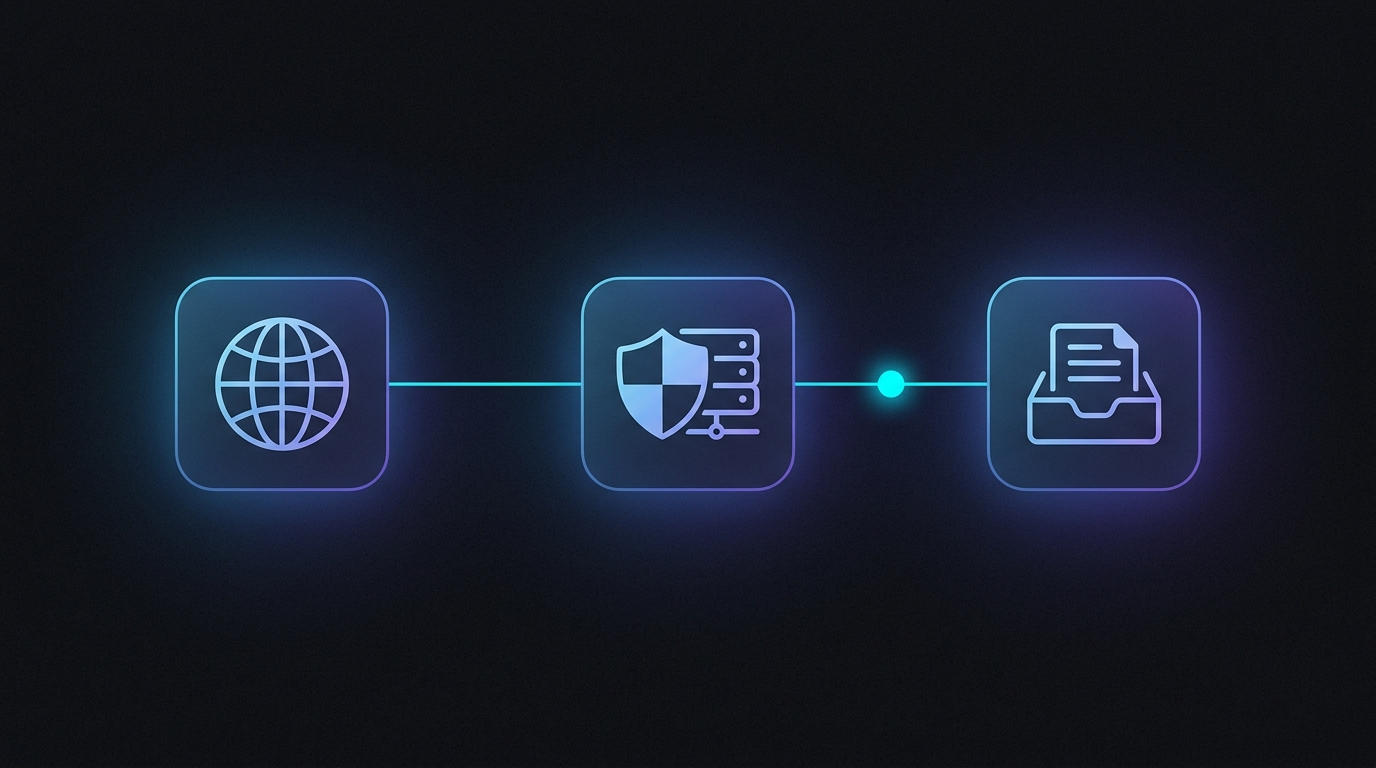
Your application calls our API or points its existing SMTP client at our relay. Nothing changes in how you build — you hand us a recipient, a subject, and a body, and delivery becomes our problem.


How it works
Five steps, one direction. Every message follows the same ordered, verified path.
Your application calls our API or points its existing SMTP client at our relay. Nothing changes in how you build — you hand us a recipient, a subject, and a body, and delivery becomes our problem.
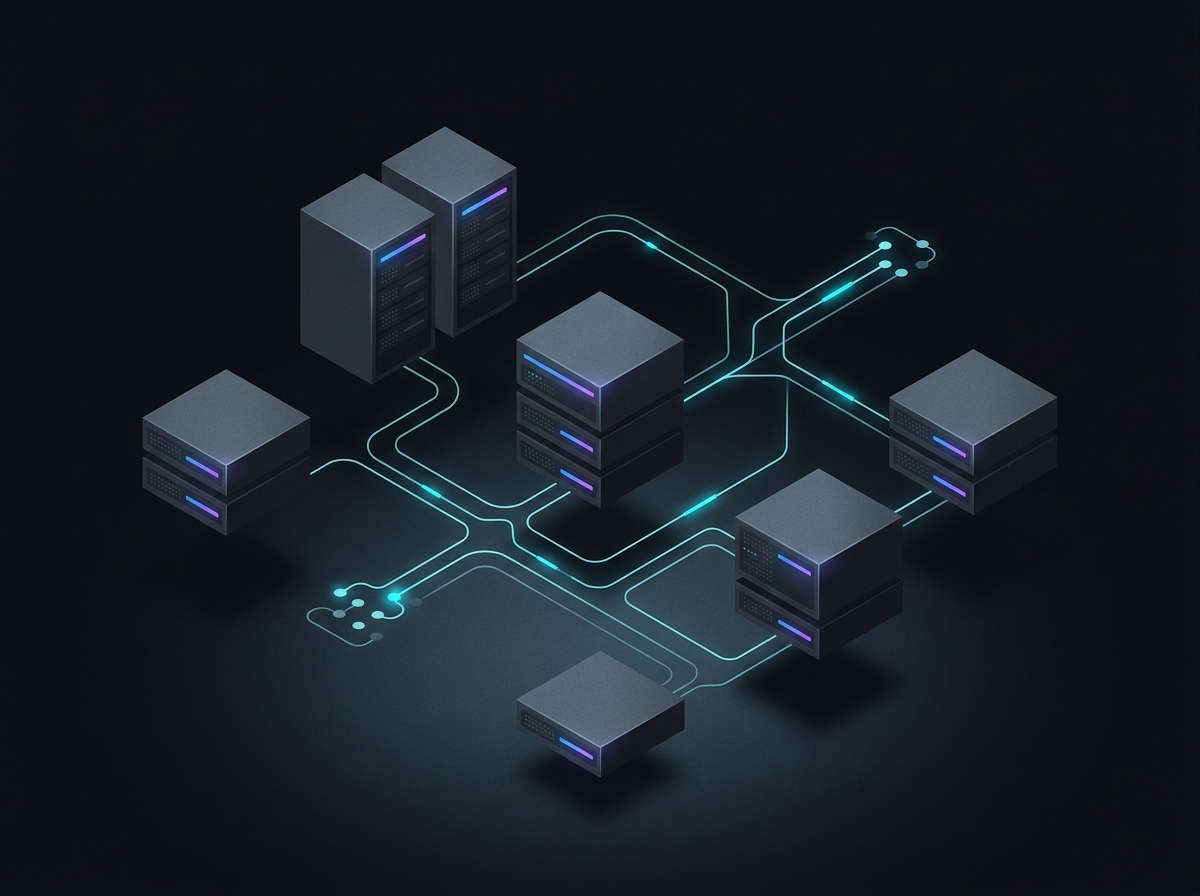
The message enters a dedicated relay, is validated, and is queued on infrastructure built for outbound volume. Throttling and retry logic shield your reputation when send rates spike.
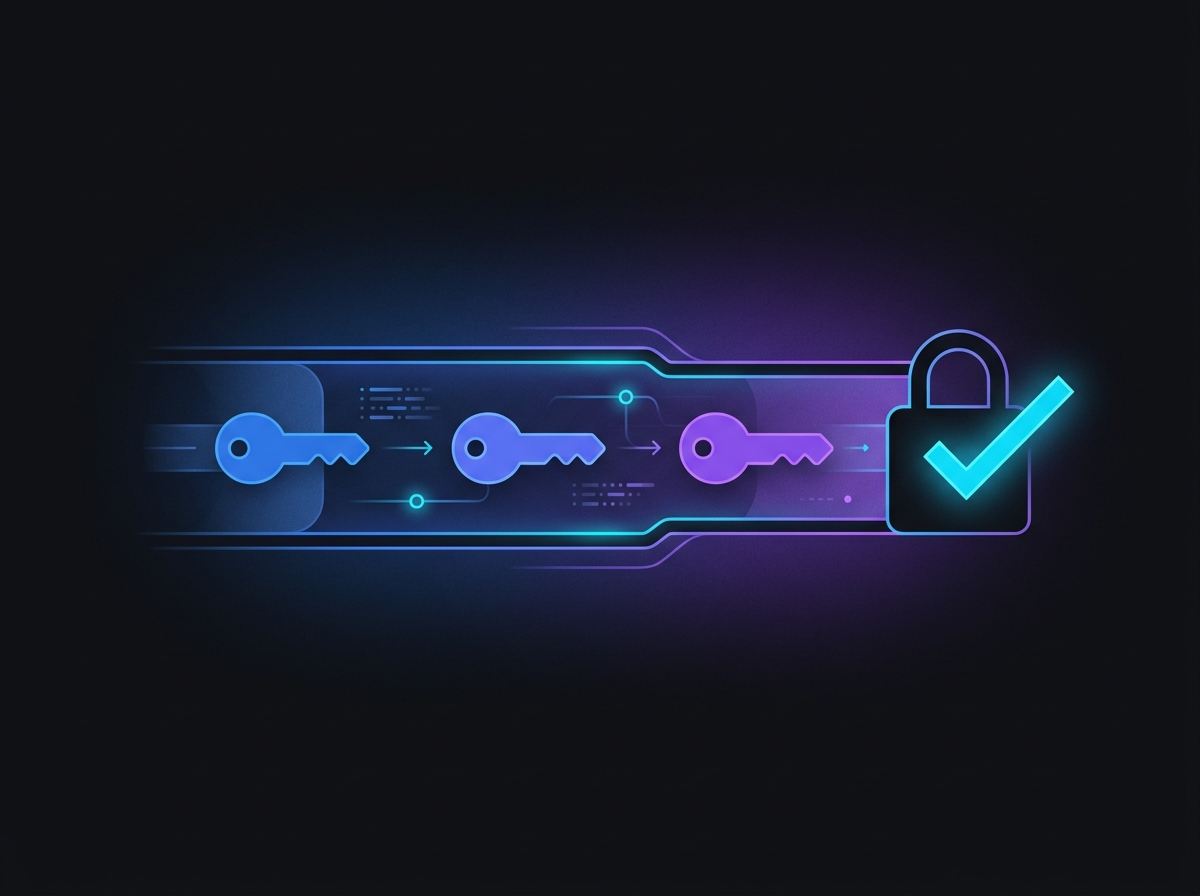
Before it leaves, the message is signed and aligned so receiving servers can trust it. SPF authorizes the sending host, DKIM signs the contents, DMARC ties the two together, and TLS encrypts the connection.
The message is delivered to the receiving server, and the result is tracked. Bounces are captured and categorized, deferrals are retried, and delivery health is watched so problems surface early.
Because it was authenticated and sent from a domain with a maintained reputation, the message arrives where it should — the inbox, not the spam folder. The recipient sees a legitimate email from the service they use.
For developers
await sendEmail({
  to: user.email,
  from: "noreply@yourapp.com",
  subject: "Reset your password",
  body: template.render(token)
})Call the API or use the SMTP relay. There is no dashboard to learn and no account to manage — just authenticated delivery, behind your app.